

Laravel迁移数据 could not be opened in append mode: failed to open stream: Permission denied错误问题的解决
在进行Laravel项目的迁移过程中,在新的平台因为权限等因素导致出现如下错误信息:
UnexpectedValueException
The stream or file "/www/wwwroot/www.ithov.net/storage/logs/laravel.log" could not be opened in append mode: failed to open stream: Permission denied
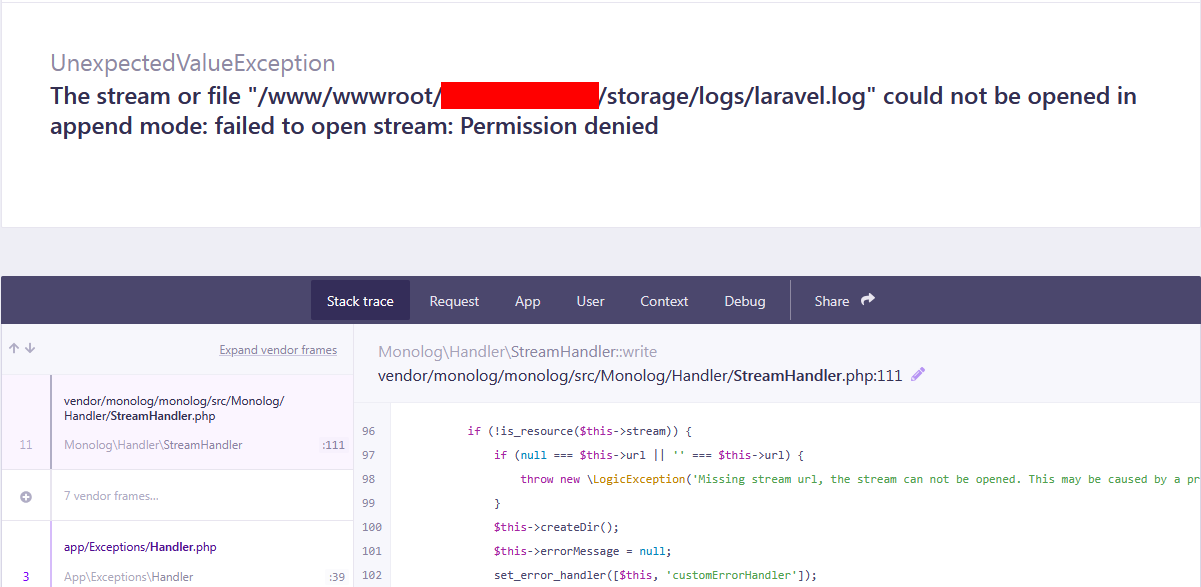
这个是属于常见的权限问题,服务器的 storage 和 bootstrap/cache 目录没有写入权限,Laravel 无法生成日志、缓存文件。
错误核心:/www/wwwroot/www.xxxxxx.com/storage/logs/laravel.log 权限不足,无法写入。
进入项目根目录后执行这条命令:
# 1. 给 storage 目录赋予读写权限
chmod -R 755 storage
chmod -R 755 bootstrap/cache
# 2. 最关键:修改目录所属用户(解决宝塔面板权限问题)
chown -R www:www storage
chown -R www:www bootstrap/cache
如果还有错误提示信息,我们需要执行清空缓存命令:
php artisan cache:clear
php artisan config:clear

 鄂公网安备 42090202000212号